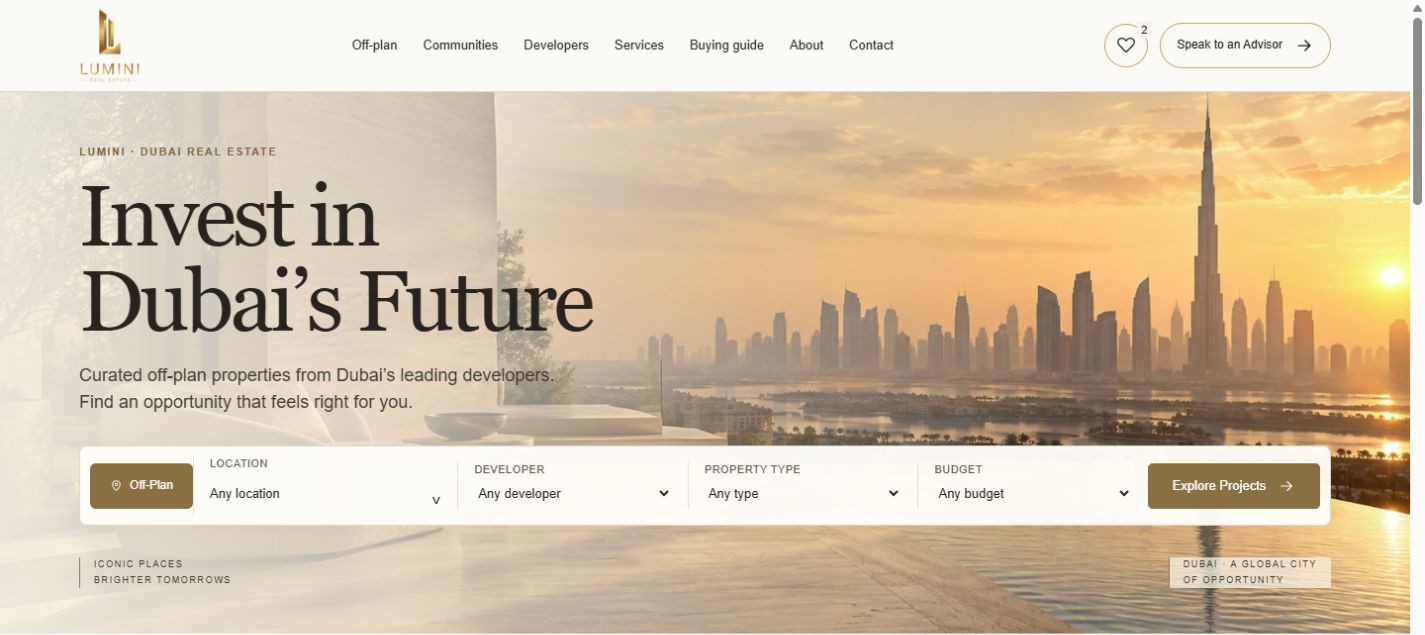
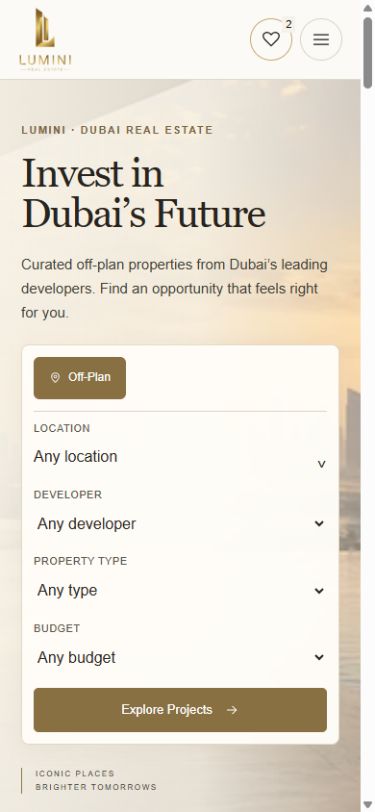
Authentic captures of the live website, 5 November 2026. The homepage lifestyle visual is illustrative; Lumini is a real website project.
01 / The brief
Make a complex search feel considered.
A property website has to do more than present an impressive place. It needs to help people understand their options, compare useful information and know what to ask next.
Lumini brings those decisions into one connected experience: a searchable off-plan collection, detailed project pages, developer and community browsing, a personal shortlist and context-aware enquiry routes.
Design and development come together through a restrained visual hierarchy, generous architectural presentation and interfaces that adapt from desktop to mobile.
02 / Property discovery
Find the right starting point.
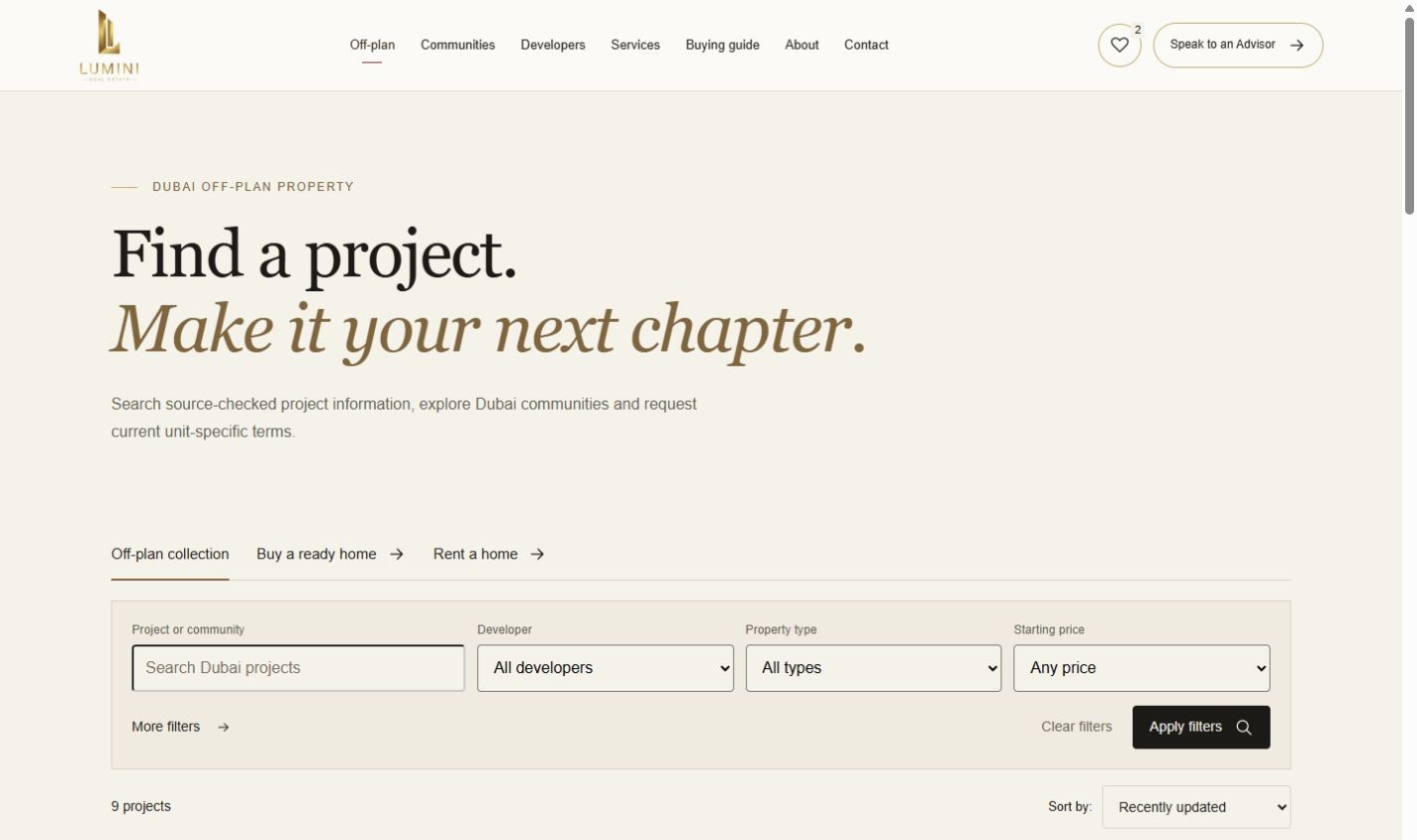
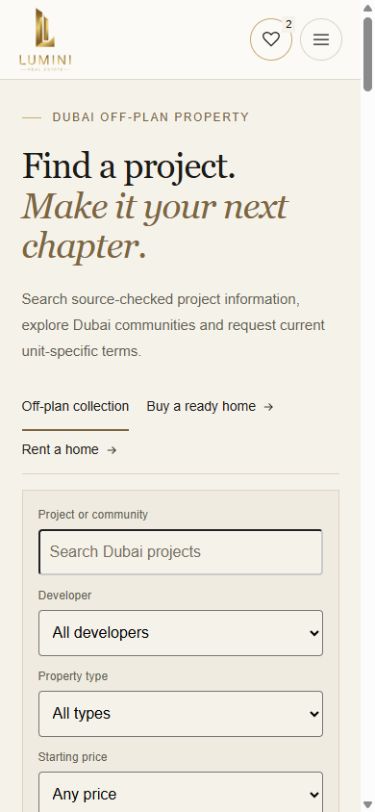
Location, developer, property type and budget bring structure to the off-plan collection. Visitors can narrow the search around what matters to them, then move into the details of a particular project.
Desktop / Property discovery
Mobile / Property discovery
Live listing-page search and filtering interface.
03 / Project detail
A project, in context.
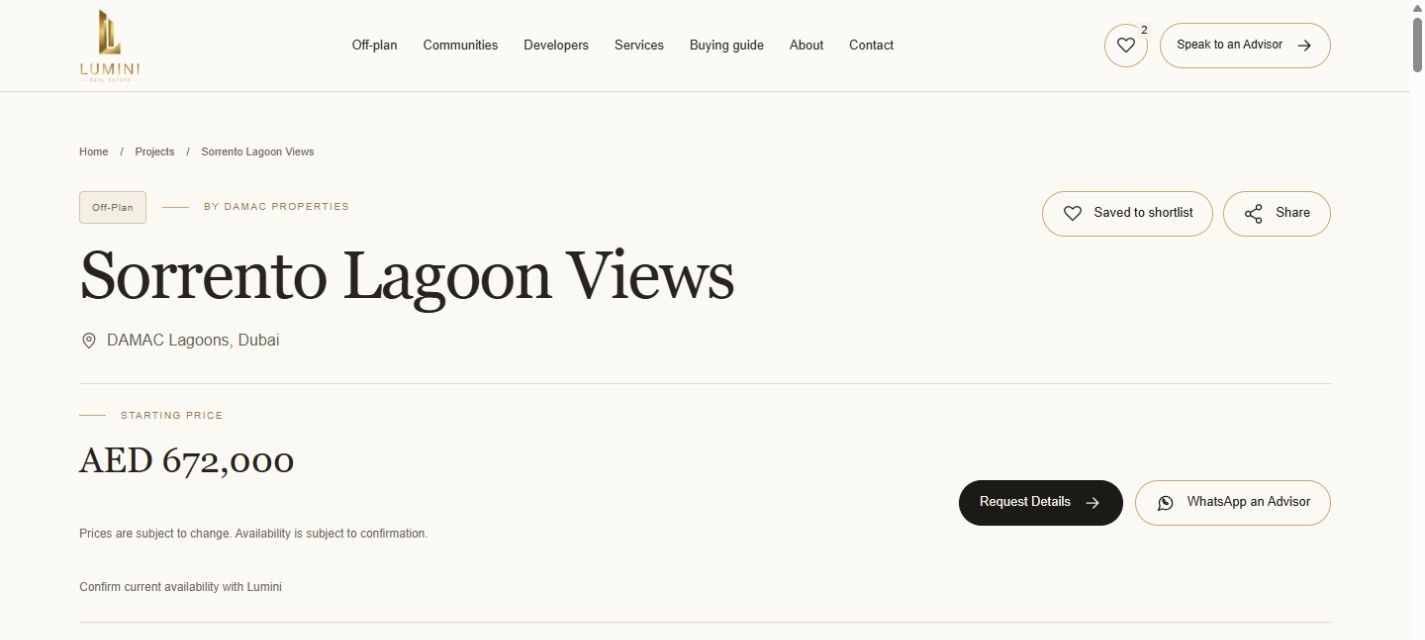
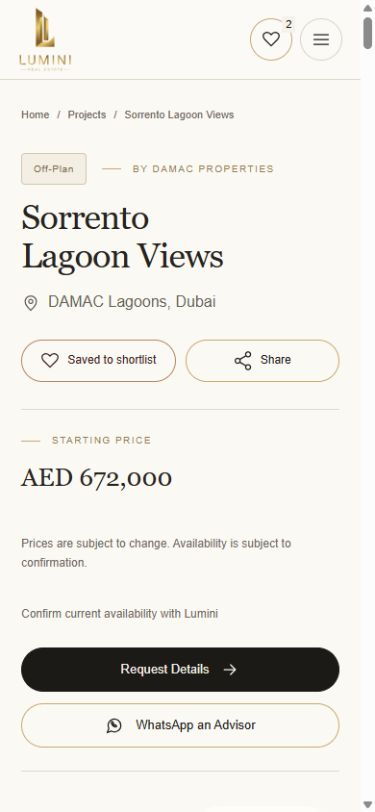
Dedicated project pages bring together location, starting-price context, bedroom mix, payment plans, handover information and source dates. Gallery, brochure and enquiry routes keep supporting information close to the decision.
Desktop / Project detail
Mobile / Project detail
Sorrento Lagoon Views: project information and enquiry actions. Advertised property terms are a dated interface capture, not a current offer.
04 / Community browsing
Explore the place around the property.
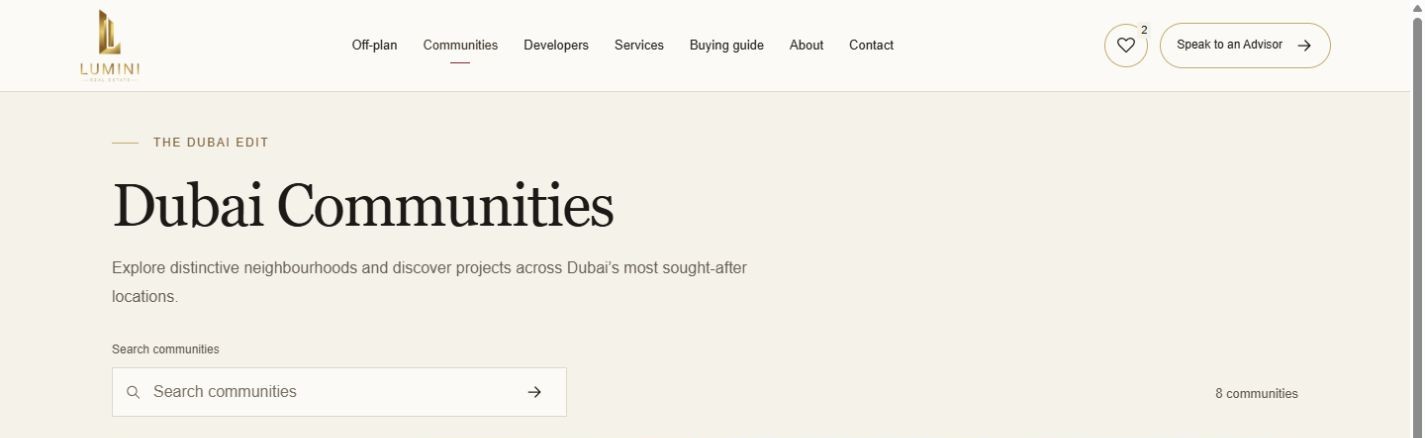
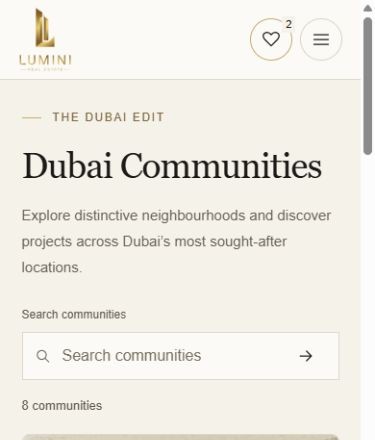
Community browsing gives the search a geographical frame. Visitors can discover a neighbourhood, explore its projects and take that context into a conversation with an advisor.
Desktop / Community browsing
Mobile / Community browsing
Live community-directory introduction and navigation.
05 / Developer browsing
Browse by the people behind the project.
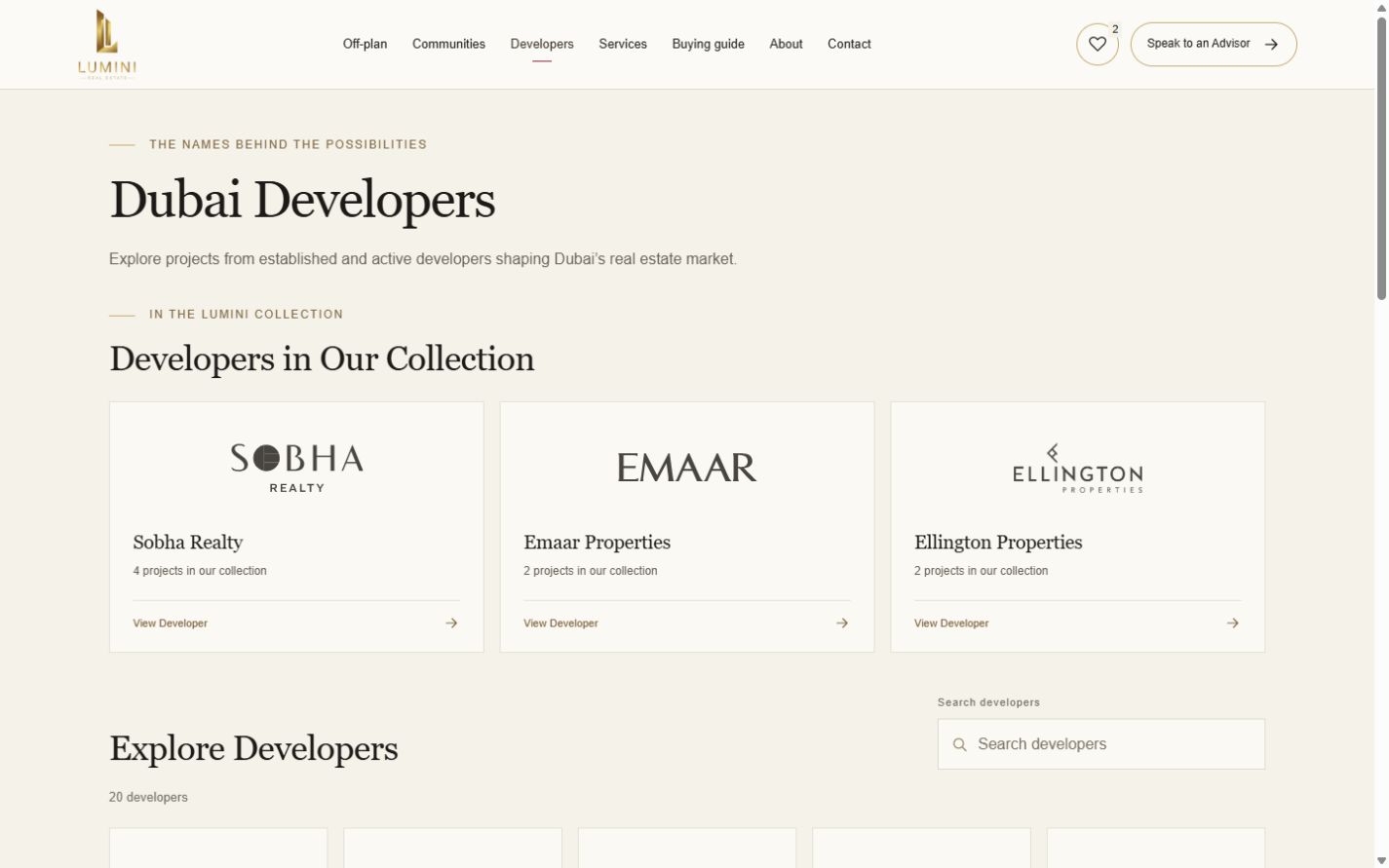
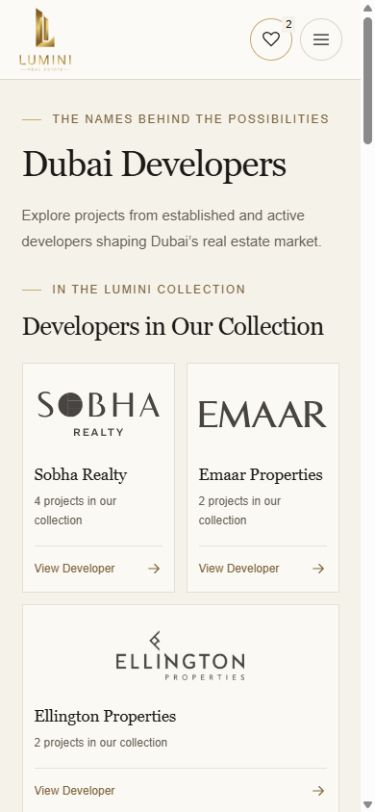
The developer directory offers another way into the collection. Developer profiles and related project links connect a recognised name with the opportunities listed on the website.
Desktop / Developer browsing
Mobile / Developer browsing
Live developer directory and project-entry links. Developer names identify the browsing context; they do not imply a partnership with Varedi Digital.
06 / Shortlist & comparison
Keep the possibilities together.
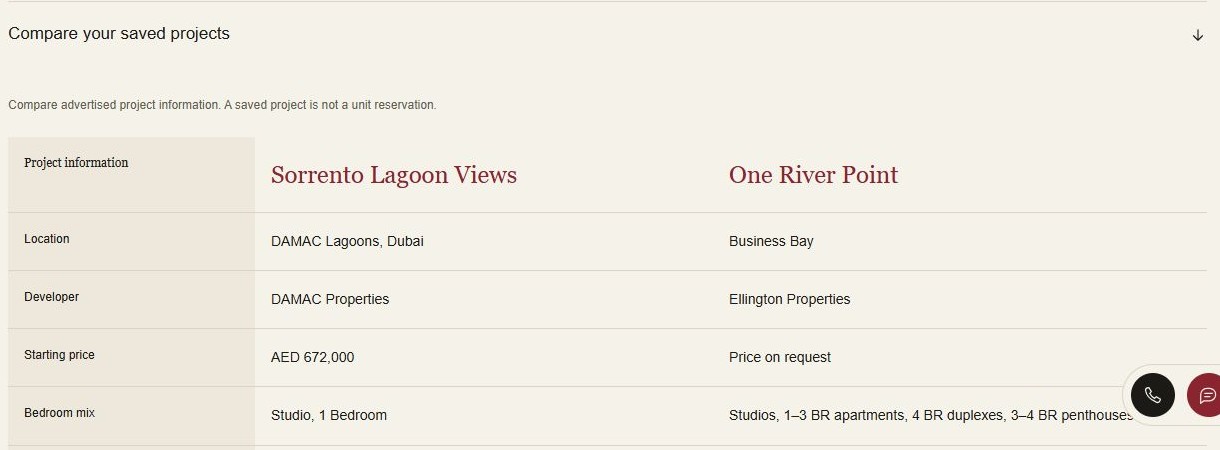
Saved projects become a personal collection. A comparison table places published location, developer, starting price, bedroom mix, size range, payment plan and handover information alongside one another.
A shortlist enquiry carries the selected projects into the next conversation. Saving a project is a browsing aid, not a reservation.
Live saved-project comparison / Desktop
07 / From browsing to enquiry
A useful next step, in the right place.
Project-specific WhatsApp links name the property being explored. Contact forms, advisor links and shortlist enquiries give visitors a route to ask for the information relevant to them.
On mobile, the search, project facts and contact actions retain their hierarchy. The experience supports a considered enquiry without making promises about returns, availability or business outcomes.
08 / The delivered experience
A real website. A connected journey.
Lumini demonstrates a live property-discovery experience, from the first search through to a shortlist and enquiry. The work shown here is the website itself; traffic, conversion and sales results are not asserted.
Captures focus on the interface and approved homepage visual. Third-party developer renderings are excluded from this presentation.
Your next impression
Give your website a clearer direction.
Start with a thoughtful look at what your current website could do better.